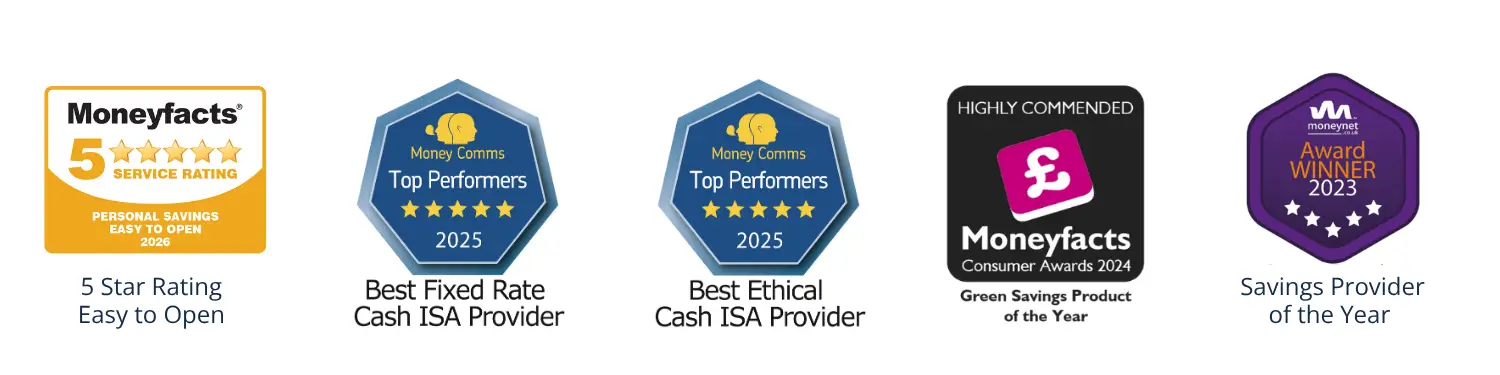
It’s no wonder Moneyfacts has awarded us a ‘5 Star Easy to Open’ rating! Applying online for one of our e-Accounts couldn’t be easier. Read on for helpful information about applying.
Apply online
(new and existing customers)
Take a look at the accounts we have on offer, choose the account that works for you, and apply online.
Existing customers can log into the Self Service Portal and apply for a new account in minutes. Click the link under ‘Apply Online’ to take you through to the list of available accounts.
You can transfer money from an ISA with another provider to us:
Complete the ISA Transfer In section during your application
We will receive this the next working day, and once your account is opened we will contact your existing ISA provider to arrange the transfer to your Hoxton Bank account
If your current ISA provider doesn't accept electronic signatures and requires an original signature, we will send a form to you via email and you'll need to return this back to us in the post
ISA Transfers can take anything from 5-15 working days to complete
For more information on how the process works, take a look at our ISA Transfer Guide.
Funding your account
These tips should help you get started with funding your account:
When transferring from your nominated account, use Sort Code 60-84-08, your Hoxton Bank account number, your full name as the payee, and choose the 'Personal account' option rather than 'Paying a company', as the account is held by you. You can also fund your account from an eligible Hoxton Bank account, using our Self-Service Portal or mobile app.
In addition, you can also transfer existing Cash ISAs from other providers to fund your Fixed Rate e-Cash ISA.